A photo that looks soft, dull, or lacking in detail can be the difference between a professional result and an amateur one — whether you’re working on product images, a portfolio, social media content, or personal photos. AI has made it genuinely easy to use a photo quality improver online that produces results comparable to professional editing, in seconds, for free, without any technical skills.
What Makes a Photo Look Unclear?
Image clarity problems fall into a few common categories, each with slightly different causes:
| Problem | What It Looks Like | Common Cause |
| Softness / lack of sharpness | Image looks hazy, edges not crisp | Slight focus miss, lens softness, camera movement |
| Low resolution | Pixelated or blocky when viewed or printed large | Small sensor, old camera, compressed source |
| Digital noise / grain | Speckled texture, especially in shadows | High ISO, low light, old camera sensor |
| Compression artifacts | Blocky areas, especially around edges | Heavy JPEG compression, social media saving |
| Faded detail | Image looks flat, textures not defined | Poor lighting, overexposure, old photo |
How AI Makes Photos Clearer
Traditional sharpening tools increase edge contrast — they make the boundaries between light and dark areas more defined, which creates the impression of sharpness. The limitation is that this approach works on the surface level: it doesn’t add new detail, and pushed too far it creates unnatural halos and artificial-looking results.
AI takes a fundamentally different approach. The model is trained on millions of image pairs and learns what genuinely sharp, high-quality images look like — including how real textures, edges, and detail patterns should appear. When it processes a soft or unclear photo, it reconstructs the detail that should be there, producing clarity that looks natural rather than processed.
Phototune.ai combines multiple enhancement capabilities — sharpening, noise reduction, detail reconstruction, and upscaling — into a single processing step. You upload the photo, choose your enhancement mode, and the AI handles everything automatically.
Step-by-Step: Make a Photo Clearer Online
Step 1: Go to Phototune.ai and open the AI image enhancer. No account required — works in any browser on any device.
Step 2: Upload your photo. Drag and drop or click to browse. JPG, PNG, WEBP, and AVIF are supported up to 10MB.
Step 3: Choose your enhancement mode. For general clarity improvement, the standard Enhance mode works well on most photos. For portraits, use Portrait mode. For old or degraded images, use Old Photo mode. For images where text clarity is the priority, use Text Enhance mode.
Step 4: Select your upscale level if you also need to increase size — 2x for moderate enlargement, 4x for significant size increases.
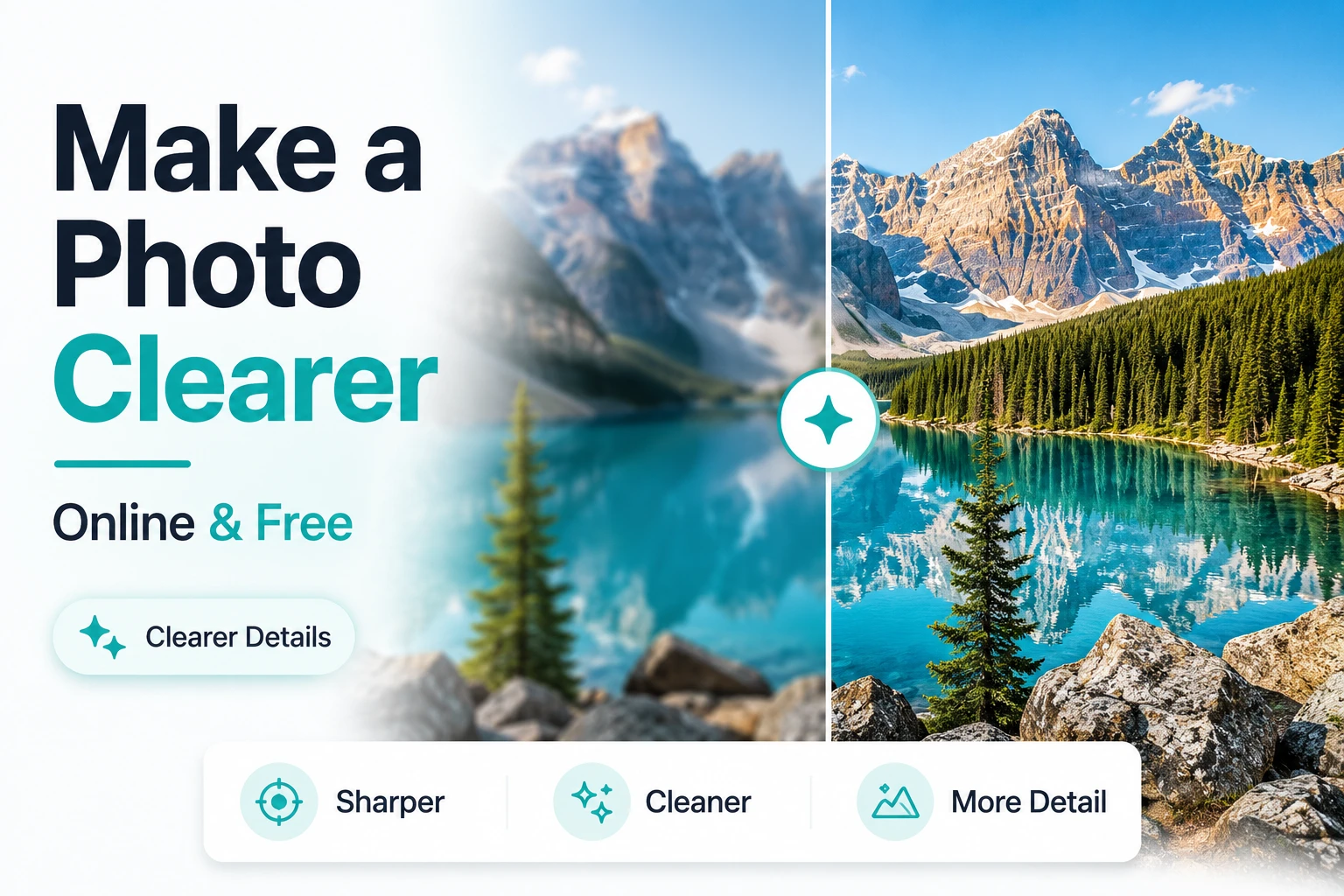
Step 5: The AI processes the image in seconds. Use the before/after preview to compare — pay attention to fine details, edges, and texture areas. Download when satisfied.
Which Enhancement Mode to Choose
| Your Photo Type | Recommended Mode |
| General photo — landscape, product, casual shot | Enhance — all-purpose clarity improvement |
| Portrait or face photo | Portrait — face-specific detail reconstruction |
| Old or scanned print | Old Photo — aged image restoration |
| Screenshot or document with text | Text Enhance — focused on letter clarity |
| Blurry or out-of-focus image | Unblur — targeted deblurring |
Before and After: What to Expect
The improvement is most visible in specific areas of the image:
- Fine textures — fabric weave, skin pores, hair strands, wood grain become defined and natural
- Object edges — the boundaries between subjects and backgrounds become crisp without halos
- Background detail — elements in the background that were soft often become recognizable
- Small text and labels — text that was borderline unreadable often becomes clear
- Overall impression — the image looks like it was captured with better equipment
Privacy and Processing
Phototune.ai processes images locally in your browser. Your photos are not sent to an external server and are automatically cleared from memory after processing. No sign-up means no account data is collected.
Ready to improve your photos? Make photo clearer online free with Phototune.ai — upload your image, choose your enhancement mode, and download a sharper, cleaner result in seconds. No account, no software, no cost.